
How to play Blood Gulch in Halo MCC, solo or with friends
To pick the original Blood Gulch on Xbox or PC, host a custom game in Halo: The Master Chief Collection. You can load the canyon alone or invite friends before starting. Matchmaking does not let you select this specific map.
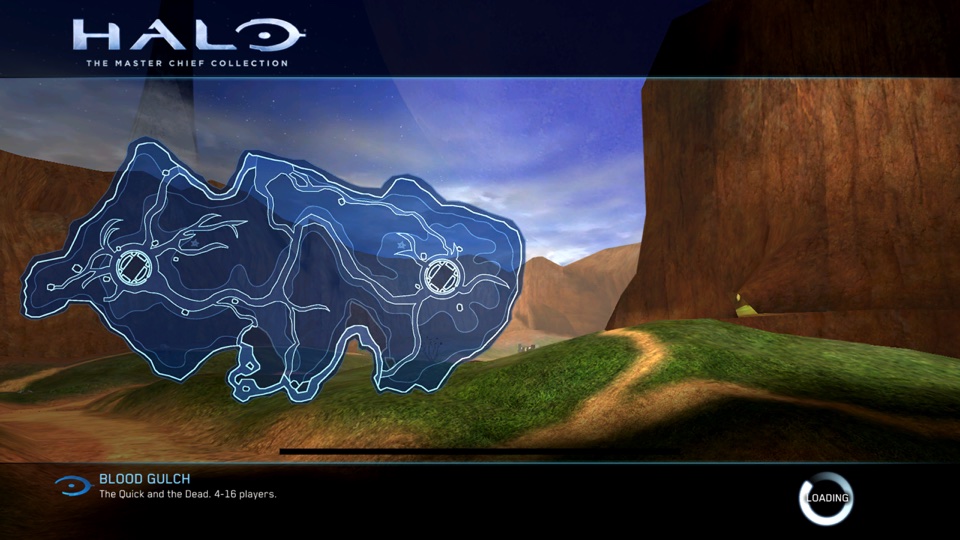

Pick the map and walk around alone
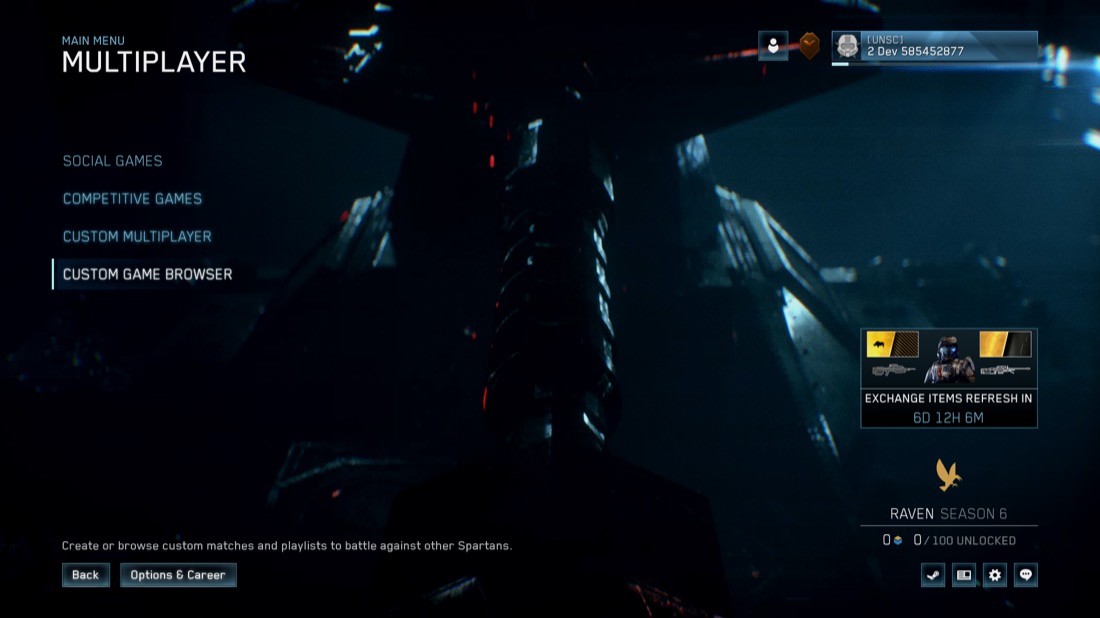
- From the MCC main menu open Multiplayer → Custom Multiplayer. Custom Game Browser lists other hosts’ sessions. Back out to Multiplayer if you are looking at a server list.
- Select Halo: CE (Combat Evolved), open the map selector and choose Blood Gulch. If you see Coagulation, you are looking at Halo 2’s map list.
- Choose Slayer as the game type, return to the lobby and select Start Game with just your name on the roster. You can explore both bases and the canyon without waiting for opponents.
Invite friends to the same match
- Have each player launch MCC and sign in to the Xbox network. On Steam, use your friend’s Xbox gamertag to add them as an Xbox network friend.
- As host, open MCC’s Roster, select your friend and choose Invite Player. Wait for them to accept and check that both names appear on the same roster.
- Check the lobby still shows Blood Gulch. Use Slayer for a skirmish or Capture the Flag for a flag match, check the teams, then select Start Game. Invite your friends again after relaunching MCC.
If the map or invitation is missing
If CE is unavailable, check that the Halo: CE multiplayer content is installed for everyone. If an invite goes missing, compare Xbox gamertags and resend it from the in-game roster. A Steam display name alone may point you to the wrong account.
Watch Blood Gulch being selected (older Xbox interface) · Halo Support: invitations and the roster