What happened
Rockstar Games Support published the regional pre-load and release schedule for Grand Theft Auto VI and last updated it on November 3. MonsterSnow checked the official support article and the live GTA VI page on November 9.
The release itself follows local time in every region, but the pre-load does not use one shared rule across both console families: PlayStation 5 follows each local time zone, while Xbox Series X|S uses one global GMT start.
Direct answer: GTA VI releases at midnight local time on November 19, 2026, in every region on PS5 and Xbox Series X|S. PS5 pre-load starts at local midnight November 10; Xbox Series X|S pre-load starts globally at 00:00 GMT November 10. Rockstar has not announced a PC release date.
The practical change: Use the clock for your own console and region, confirm automatic download is enabled, and keep PC timing separate because Rockstar has not announced a PC release date.
What is confirmed
- Grand Theft Auto VI releases at midnight local time on November 19, 2026, in every region on PlayStation 5 and Xbox Series X|S.
- PlayStation 5 digital pre-load begins at midnight local time on November 10, 2026.
- Xbox Series X|S digital pre-load begins globally at 00:00 GMT on November 10, 2026.
- Rockstar's current GTA VI page lists PlayStation 5 and Xbox Series X|S and repeats the November 19 launch date.
GTA 6 preload says “not enough space”?
Read the space requirement in your console’s download prompt and compare it with free space on the destination drive. Free space on a second drive does not count toward an install on the first.
PS5
- Open Settings → Storage. Check the free space on Console Storage or your compatible M.2 SSD, whichever will hold GTA VI.
- In Game Library, highlight an installed game you can set aside. Press Options → Move Games and Apps and choose the other drive. A PS5 game parked on USB extended storage must be moved back to console storage or an M.2 SSD to play.
- If you uninstall instead, select the game under Games and Apps. Leave Saved Data alone. With PlayStation Plus, check Settings → Saved Data and Game/App Settings → Saved Data (PS5) → Sync Saved Data → View Sync Status. Once the move or uninstall finishes, resume the download.
Xbox Series X|S
- Press the Xbox button → Profile & system → Settings → System → Storage devices. Check the internal drive or Storage Expansion Card you plan to install to.
- Select the drive you want to free up and choose Move or copy. Select another installed game, choose a different drive and move it. Copying leaves the original in place. A USB game drive is useful for parking titles while you free the internal SSD.
- If you choose to uninstall a game, sign in online and let any pending save sync finish first. Uninstall the game itself. Leave saved data and Delete everywhere alone. Return to the download queue and resume GTA VI after the space is released.
PlayStation · Storage · PS Plus · Cloud saves · Xbox · Storage
What this means for players
Players do not need to convert a single worldwide launch hour for release day: the console game unlocks when November 19 begins in the local region.
Pre-load timing does require the correct platform rule. A PS5 user should follow local midnight, while an Xbox user should convert 00:00 GMT to local time.
What is still unconfirmed
Rockstar's checked pages do not announce a PC release date or PC unlock time. They also do not guarantee identical retailer pickup, delivery or code-fulfilment times in every region.
What to do next
- 01Confirm that the pre-order belongs to the intended console account and region.
- 02On PS5, check for pre-load after local midnight November 10; on Xbox Series X|S, convert 00:00 GMT November 10 to the local clock.
- 03Keep sufficient storage available and verify that automatic downloads are enabled before assuming a missing pre-load is a release delay.
- 04For a retail copy or download code, use the retailer's fulfilment notice rather than treating the digital unlock schedule as a shipping promise.
Official source and image record
Primary factual source used for this report.
Rockstar Games Support · Checked Nov 9, 2026Official platform, November 19 launch-date and November 10 pre-load overview.
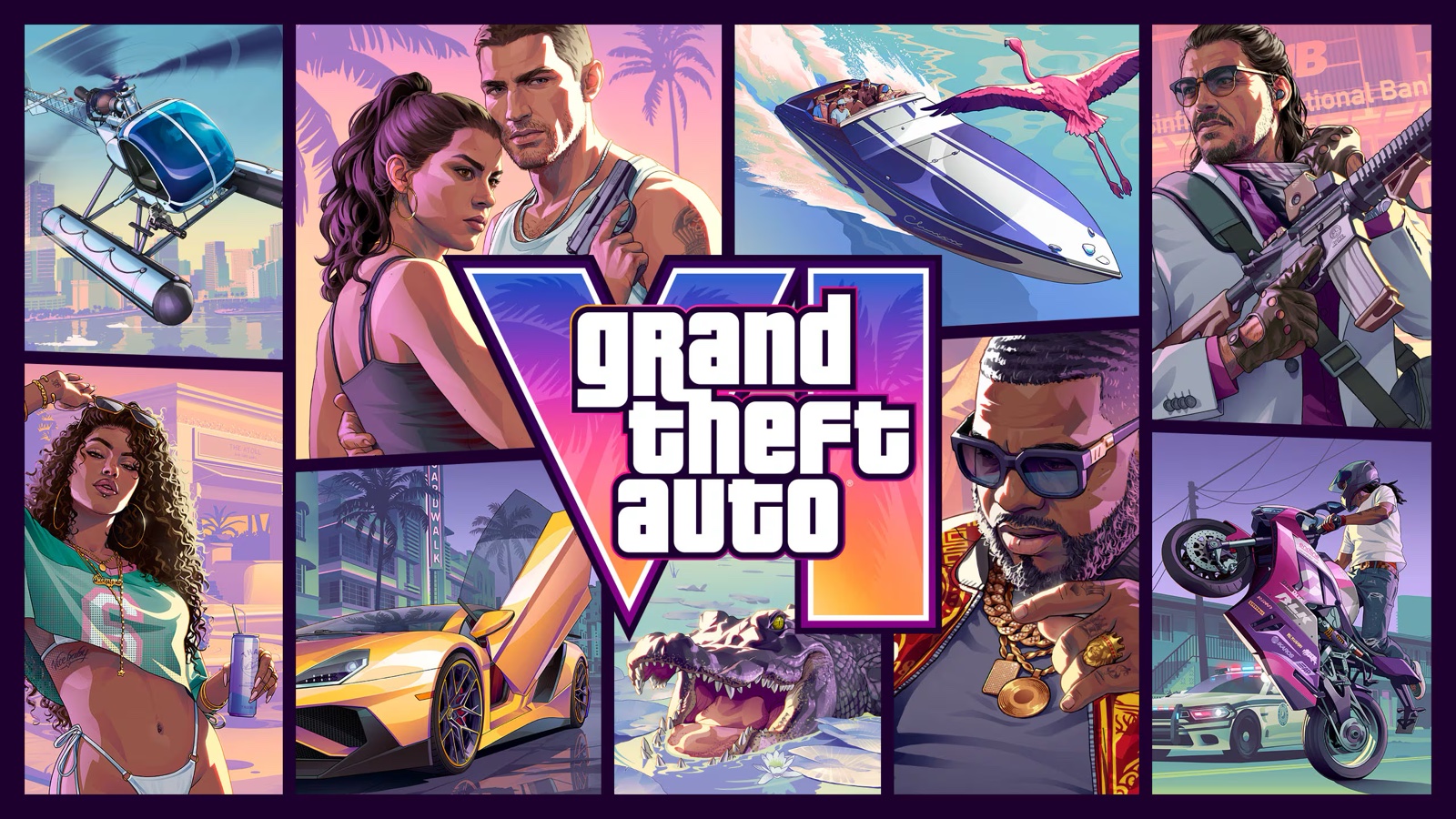
Rockstar Games · Checked Nov 9, 2026Official Grand Theft Auto VI cover artwork; the full subject remains recognizable at desktop and mobile sizes.
Rockstar Games Support · Checked Nov 9, 2026