
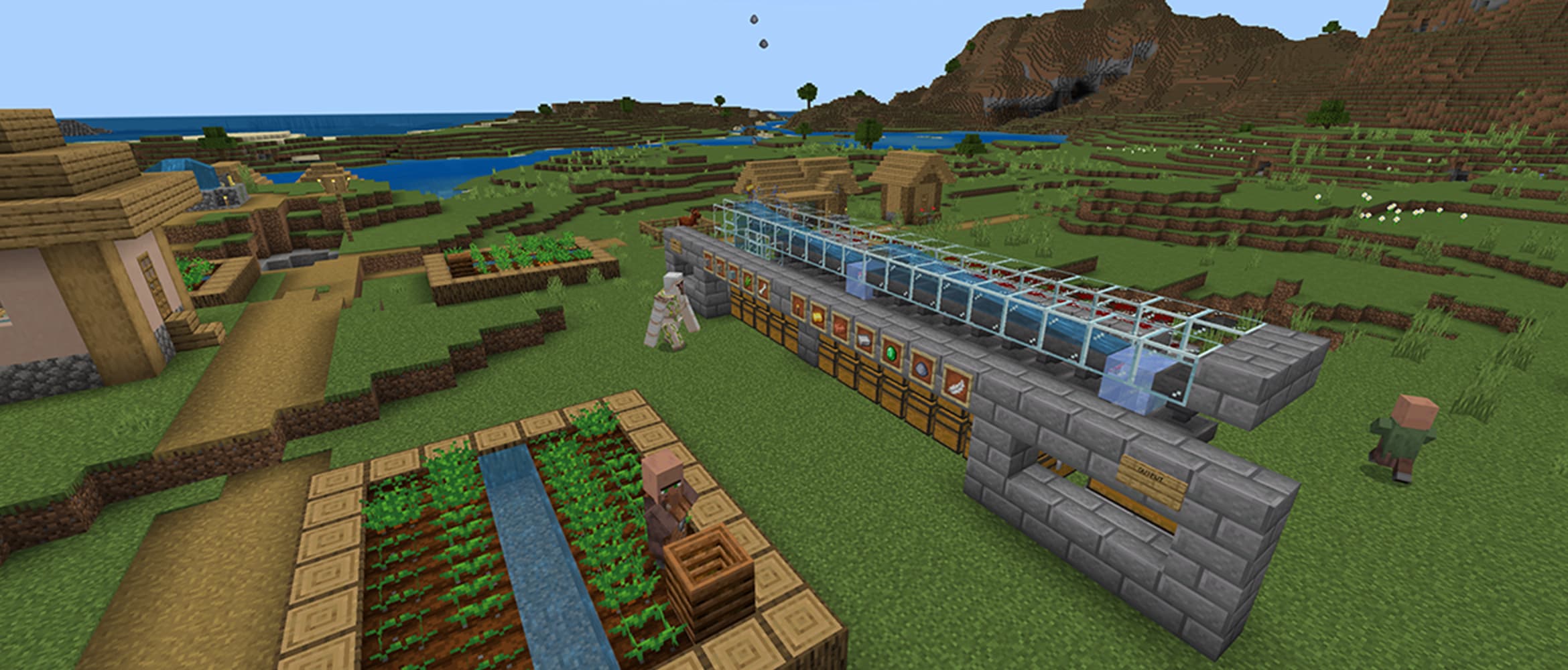
Direct answer
Start redstone automation with two small systems you can inspect: a hopper-fed furnace and an observer-triggered crop harvester. Trace every build as input, signal or item path, and output. If a machine fails, test power, orientation, container direction and Java-versus-Bedrock behavior separately instead of rebuilding the whole tutorial at once.
Evidence boundary: Redstone timing and connectivity can differ between Java and Bedrock and can change across updates. The layouts below teach diagnostic structure rather than claiming one compact design is universal.
Do this first
- 01Build the machine in an open test area on the same edition and version as the target world.
- 02Label the input, power source, transmission path, moving part and output container.
- 03For a furnace, verify each hopper points into the intended face and that no signal is locking it.
- 04For an observer farm, face the detecting side toward the changing block and the output side toward the circuit.
- 05Trigger one cycle, inspect one item at a time, then add storage and decoration only after it repeats.
Read redstone as a chain
Mojang's official introduction describes redstone as a way to transmit power and connect mechanisms. A useful machine therefore has four readable layers: an input event, a powered path or pulse, an action, and a result that can be observed or stored.
Place temporary lamps, levers or exposed dust during testing. If the input fires but the output does not move, the fault is after the detector. If nothing lights, the fault is at the input, orientation or power path. This is faster than copying the entire build again.
- Input: lever, plate, button, observer or sensor
- Transmission: dust, repeater or comparator
- Action: piston, dispenser, lamp or powered rail
- Item path: hopper and container
- Output: harvested block, sorted item or visible state
Starter machine one: hopper furnace
A hopper transfers items between containers and can feed a furnace. Build a simple furnace with an input hopper and chest, a fuel hopper and chest, and an output hopper leading to storage. Add only one stack at first so every path can be checked.
Hopper direction matters: attach while sneaking and confirm the narrow output points toward the intended block. A powered hopper locks, so an accidental nearby signal can look like a broken item path. Fix direction and lock state before adding sorting logic.
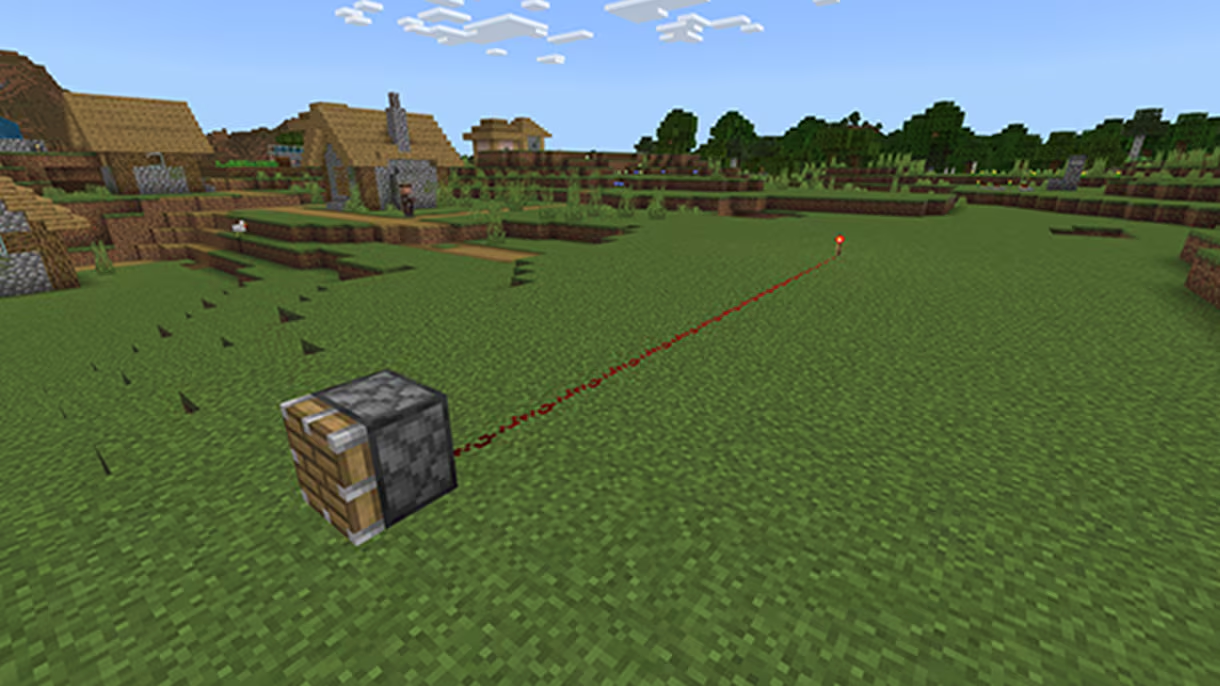
Starter machine two: observer harvester
An observer detects a block change on one face and emits a short pulse from the other. Put it where the actual growth or state change occurs, then route the pulse to a piston or harvesting mechanism appropriate to the crop.
Run the farm without collection first. Once one harvest cycle works, add water or hopper collection and check that items reach storage rather than sitting on blocks. Observer behavior is not identical in every Java and Bedrock edge case, so verify the exact design locally.
Debug before compacting
When a copied build fails, confirm edition, version, orientation and chunk state. Then isolate one stage with a lever or temporary container. A design that depends on a Java-specific update order should not be advertised as Bedrock-compatible without a Bedrock test.
Compact builds hide evidence. Keep the first working version spread out, take a screenshot or signs-based map, and only then rebuild it under the base. This also prevents a decorative block from powering, blocking or waterlogging the wrong component.
Official sources
Official overview of redstone power, mechanisms, pulses and automation uses.
Mojang Studios · Checked Sep 12, 2026Official hopper direction, item transfer, furnace automation and powered-lock behavior.
Mojang Studios · Checked Sep 12, 2026Official observer detection, pulse and edition-difference context.
Mojang Studios · Checked Sep 12, 2026Official redstone dust and signal-transmission background.
Mojang Studios · Checked Sep 12, 2026