Direct answer
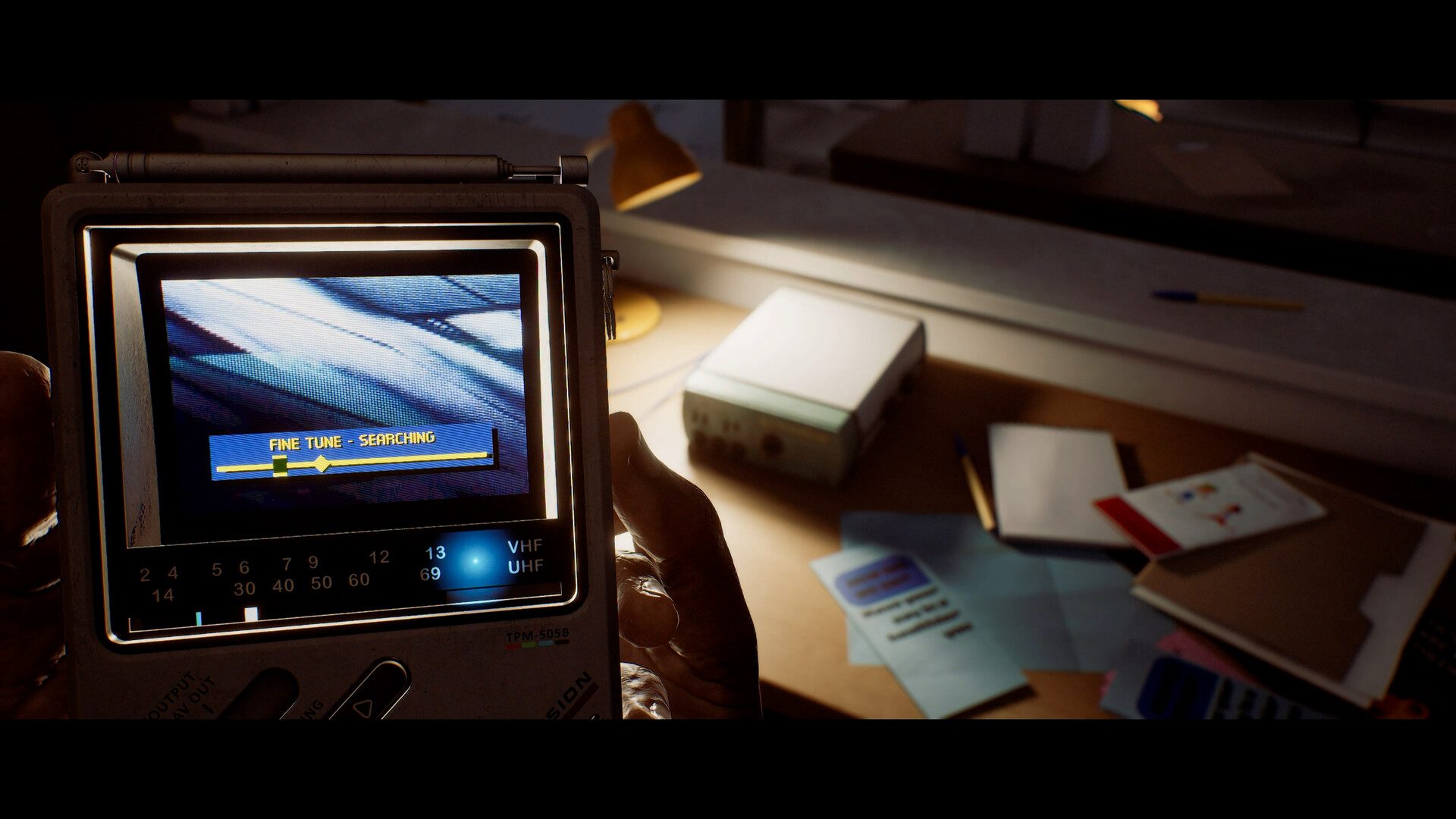
Treat the CRTV as a scanner, warning tool and clue receiver, not as an automatic solution. Stop in a defensible position, raise it when static, haptics or the environment suggest a signal, tune deliberately, record what the broadcast or display actually confirms, then lower it before moving through danger.
Evidence boundary: Official sources establish the CRTV's roles and several clue types, but not every frequency, puzzle answer, enemy range or complete route through St. Amelia.
Do this first
- 01Stop somewhere with a retreat path before raising the CRTV; using it divides your attention.
- 02Scan the display for nearby threats and use sound or DualSense haptics as a second warning channel on PS5.
- 03Tune weak signals slowly; motion tuning is optional and can be changed in the settings menu.
- 04Write down the exact broadcast, symbol, note or diagram before testing a puzzle interpretation.
- 05Lower the CRTV and recheck the room, doors and route before moving; the device does not make Simon safe.
What the CRTV confirms
Konami describes the pocket television as a tool for tuning unstable signals. Official gameplay material shows it helping Simon locate nearby threats, find broadcasts and pick up navigational or puzzle clues.
On PS5, a haptic pulse can warn that a new enemy is nearby. That makes the CRTV useful for threat checks, but the official material does not establish an exact universal detection radius or a complete frequency list.
- Use the display to confirm position, not to assume the whole room is clear.
- Pair visual information with 3D audio because first-person vision is deliberately restricted.
- Keep enough space to lower the device and move if a threat closes in.
Turn signals into puzzle evidence
Townfall's puzzles are designed around the story and environment. The official first-person explainer specifically points to notes on desks, diagrams in drawers and other fragments found while searching rooms.
Separate observation from interpretation: record the signal or clue first, compare it with the nearby environment, and test one consequence at a time. A themed broadcast can be story evidence without being a complete input code or route instruction.

When tuning seems to fail
First confirm that the area actually presents a signal and that Simon is not being forced into a chase. If motion input feels unstable, switch to the alternative control option rather than assuming a puzzle is broken. Recheck adjacent notes, screens and diagrams before repeating the same frequency sweep.
If a guide supplies a fixed frequency, full puzzle answer or enemy radius without a matching released-build source, treat it as unverified. This page intentionally stops at a reliable process instead of inventing a solved walkthrough.
Official sources
CRTV controls, nearby-enemy scanning, haptics, map exposure and environmental clue search.
PlayStation · Konami · Screen Burn · Checked Sep 24, 20263D audio, CRTV tuning, haptics and customizable motion controls.
PlayStation · Konami · Screen Burn · Checked Sep 24, 2026Released platforms, first-person scope, CRTV role and narrative-driven puzzles.
Konami · Checked Sep 24, 2026