What happened
Mojang launched Minecraft for Nintendo Switch 2 on October 27 and published the upgrade terms on the same day.
The release combines a native edition, a visual upgrade, an updated Nintendo-exclusive content pack and a world-carryover path. The upgrade offer has a firm end time rather than being promised indefinitely.
Direct answer: Minecraft launched for Nintendo Switch 2 on October 27, 2026 with Vibrant Visuals, an updated Super Mario Mash-Up Pack and upgrade paths for existing Switch owners through January 31, 2027 at 9 a.m. PT.
The practical change: Use the official upgrade prompt during the offer window, verify the regional price before confirming, and migrate worlds through Mojang's documented path before removing the original copy.
What is confirmed
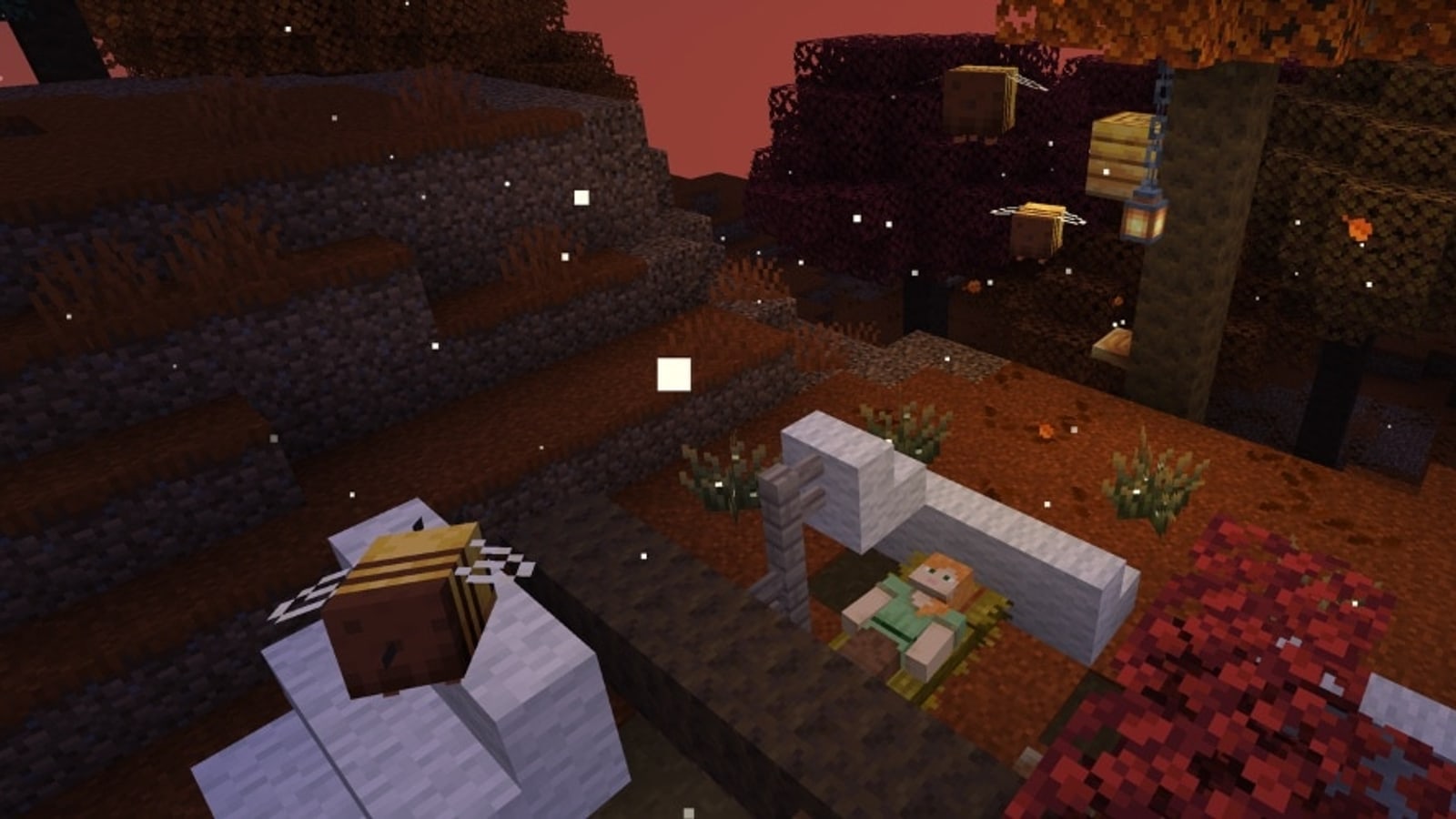
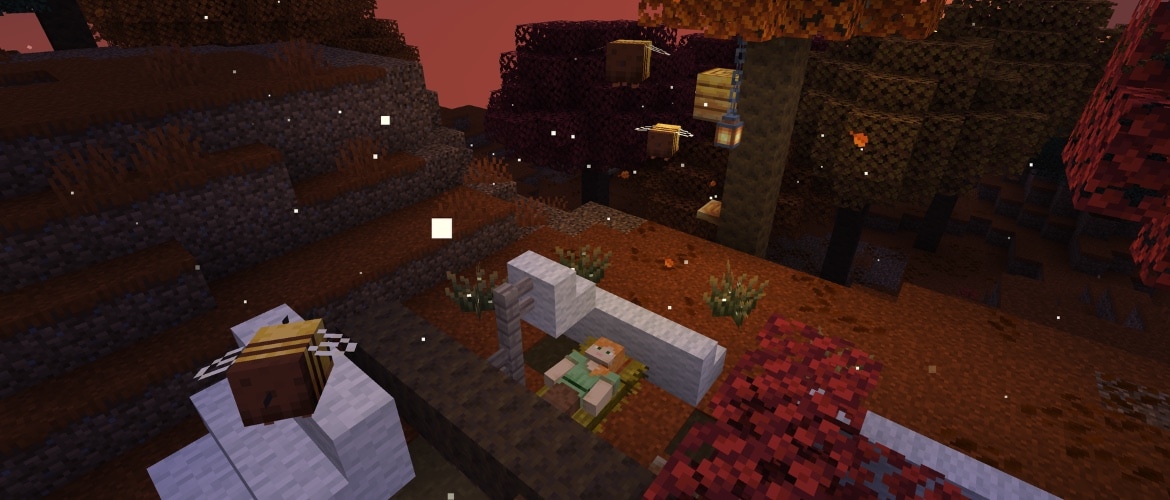
- The Switch 2 edition supports Vibrant Visuals, including directional lighting, volumetric fog and dynamic shadows.
- The Super Mario Mash-Up Pack is included and updated for Vibrant Visuals; Mojang lists 15 tracks and 40 player skins.
- Digital Switch owners can upgrade to the Switch 2 Standard Edition free in most regions during the offer window.
- Japan, Taiwan and Thailand use small regional upgrade prices of 100 JPY, 30 NTD and 25 THB respectively.
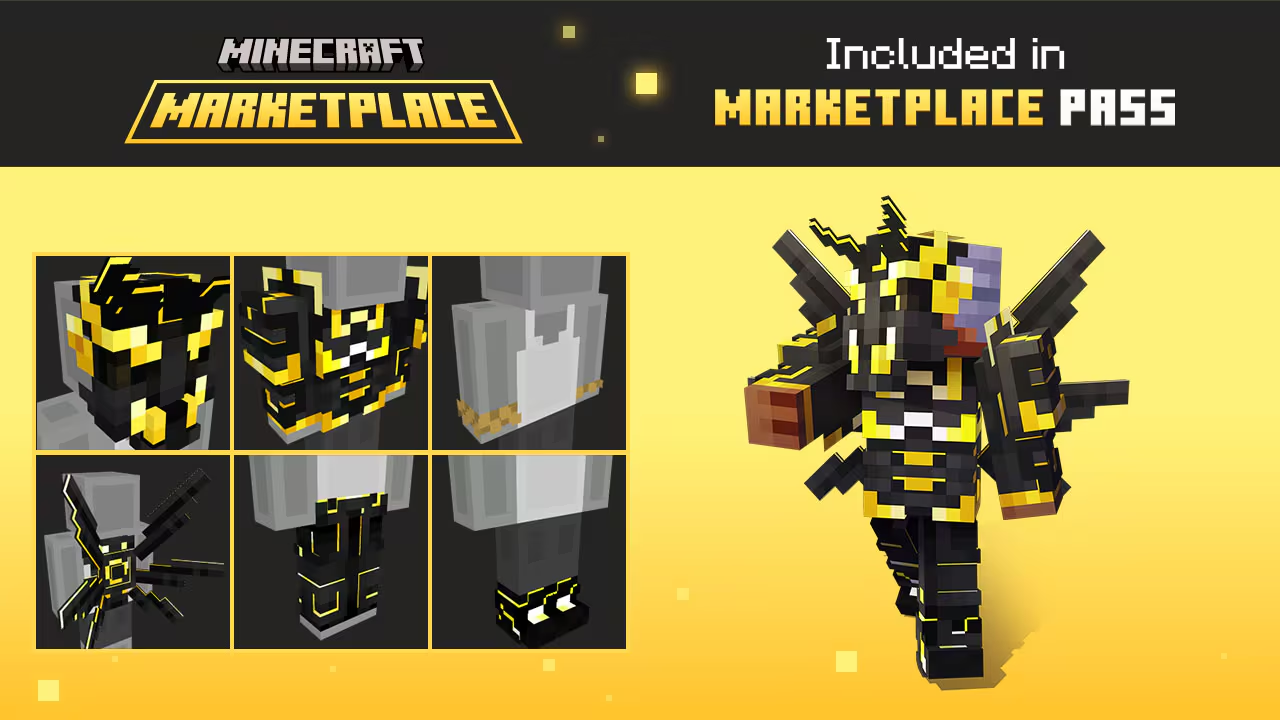
- Mojang says Switch worlds can carry over, but Vibrant Visuals is unavailable in split-screen and some Marketplace worlds or content.
What this means for players
Existing owners should use the supported upgrade and migration paths instead of buying blindly or deleting the older installation first.
Visual support depends on play mode and content. A missing Vibrant Visuals option in split-screen or an incompatible Marketplace world is not automatically an installation failure.
What is still unconfirmed
Mojang's article does not promise that every Marketplace item supports Vibrant Visuals, nor does it publish one performance target for every scene and play mode.
What to do next
- 01Launch the original Switch edition on Switch 2 and follow the official in-game upgrade prompt.
- 02Check the regional Nintendo eShop price and edition before confirming the transaction.
- 03Back up and migrate the intended worlds before removing the older installation.
- 04Test Vibrant Visuals in a supported single-player world before diagnosing an unsupported mode or Marketplace pack.