What happened
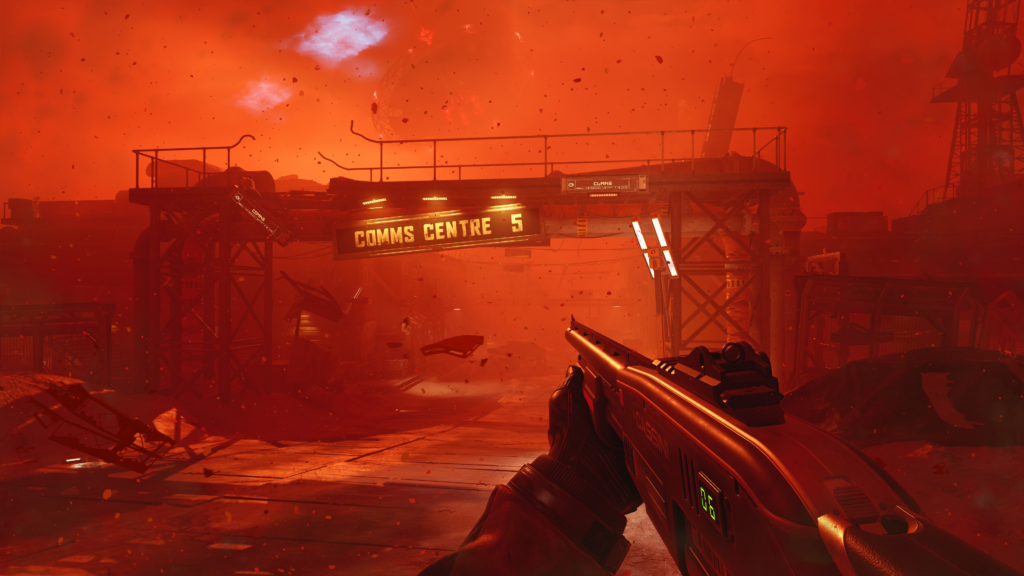
PlayStation published a separate nine-point gameplay explainer on September 21. It focuses on what Simon Ordell can see and do from the first-person viewpoint, including scouting, combat, stealth, hiding and searching for clues. This is a different editorial event from the September 16 developer post about PS5 audio, lighting and controller support.
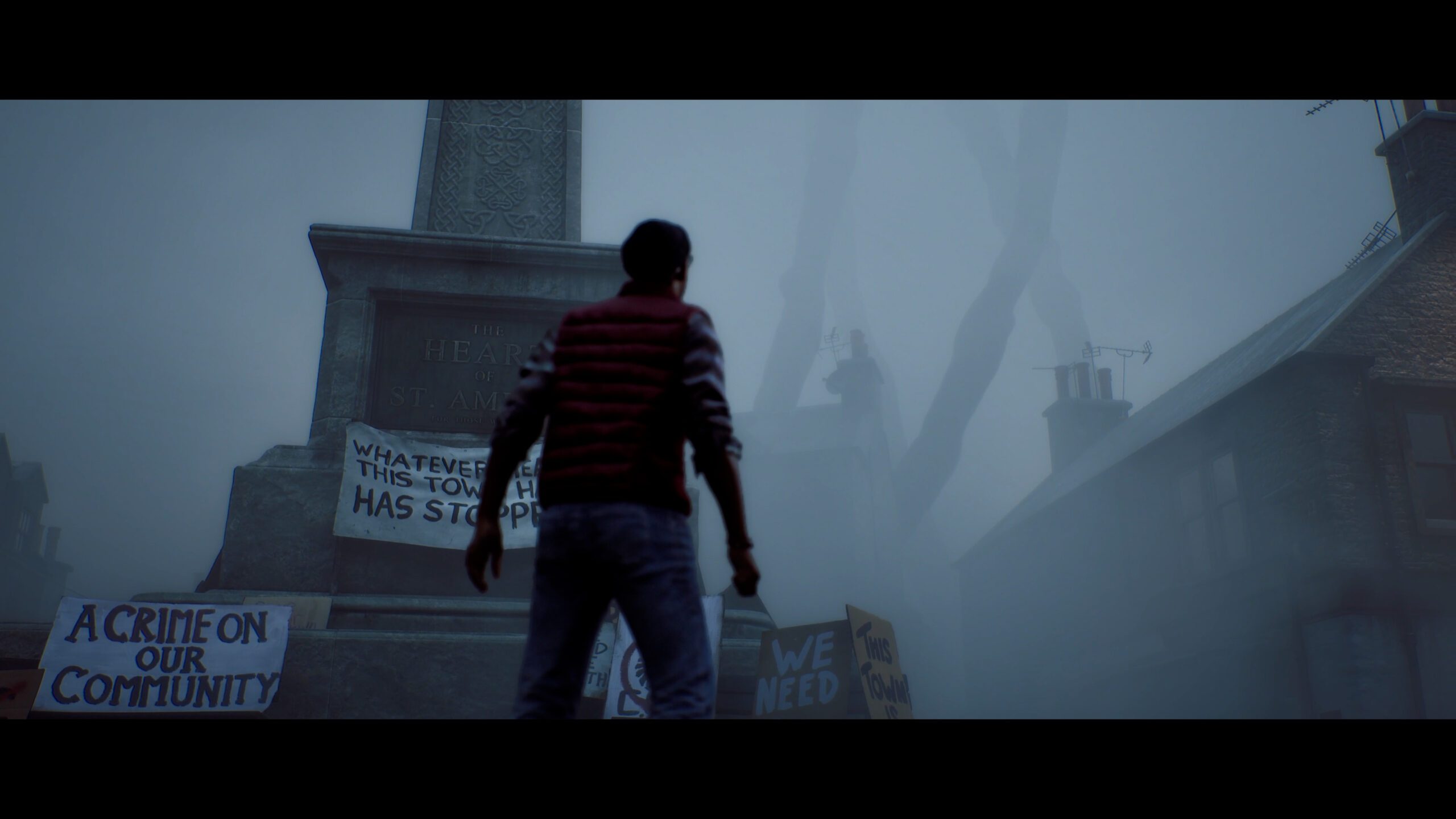
The article says the 2.35:1 presentation restricts vertical vision and that raising either the CRTV or the map changes what Simon can see. It dates the PS5 launch to September 24; this report does not claim that the game is already released.
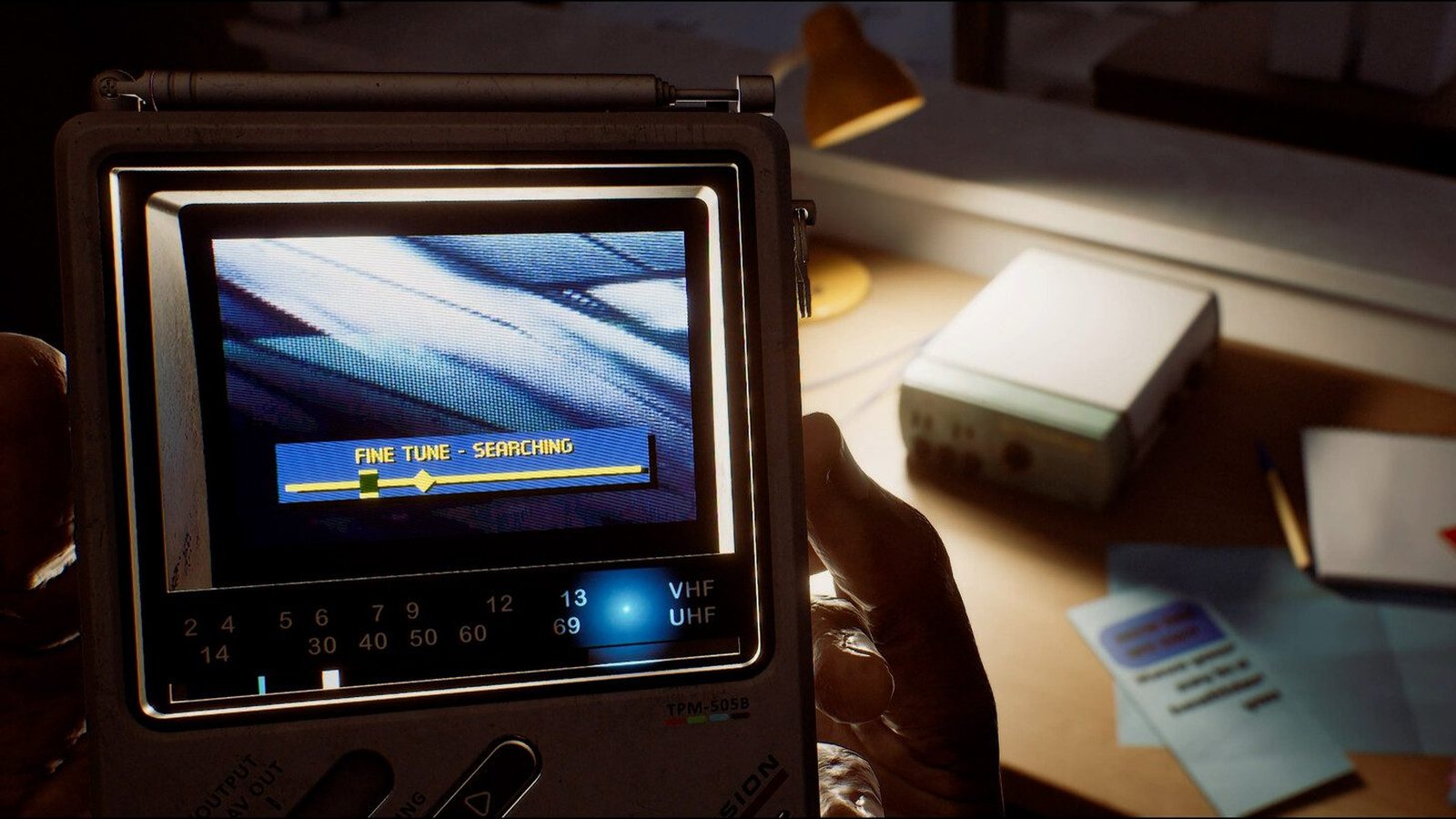
Direct answer: PlayStation's September 21 explainer says Silent Hill: Townfall uses L1 for the CRTV, Circle to crouch, R1 plus the right stick to lean, and Triangle to raise the map. It describes hiding and line-of-sight rules, but does not provide solved routes.
The practical change: Use these controls as a prelaunch orientation, then check the shipped game before treating any hiding route or puzzle answer as reliable.
What is confirmed
- Holding L1 raises the CRTV while moving; tuning its frequencies can reveal nearby enemy positions, and the controller gives a haptic pulse when a new enemy is close.
- Circle lets Simon crouch behind cover. Holding R1 while moving the right stick lets him lean or peek from cover, according to the PlayStation explainer.
- Breaking line of sight or hiding in a cabinet, closet or locker can help Simon escape. An enemy that sees him enter a hiding place may pull him out.
- Triangle raises a physical map in Simon's view; notes and diagrams in the environment can provide puzzle clues. Optional motion control aiming is described for firearms and thrown objects.
What this means for players
Players waiting for launch can distinguish a scouting tool from a guaranteed safe route: the CRTV shows nearby threats, but the official description does not promise that every encounter can be bypassed. Hiding requires attention to whether an enemy saw Simon enter.
Reading a map or searching a drawer takes visual attention away from the room. The article gives useful control orientation without revealing a verified puzzle solution or a completed walkthrough.
What is still unconfirmed
The prelaunch article does not establish every enemy's detection range, exact combat timing, puzzle solutions, difficulty settings or a universal safest path. PlayStation's September 24 date should be checked against the live store in each region.
What to do next
- 01At launch, verify the displayed controls and optional motion aiming in the shipped PS5 version before following a control guide.
- 02When using the CRTV or map, check the nearby room again before assuming Simon is safe; do not infer a guaranteed detection radius from the preview.
- 03Read the separate PS5 feature report for the previously announced audio, lighting and DualSense support, rather than treating this new gameplay article as a repeat announcement.