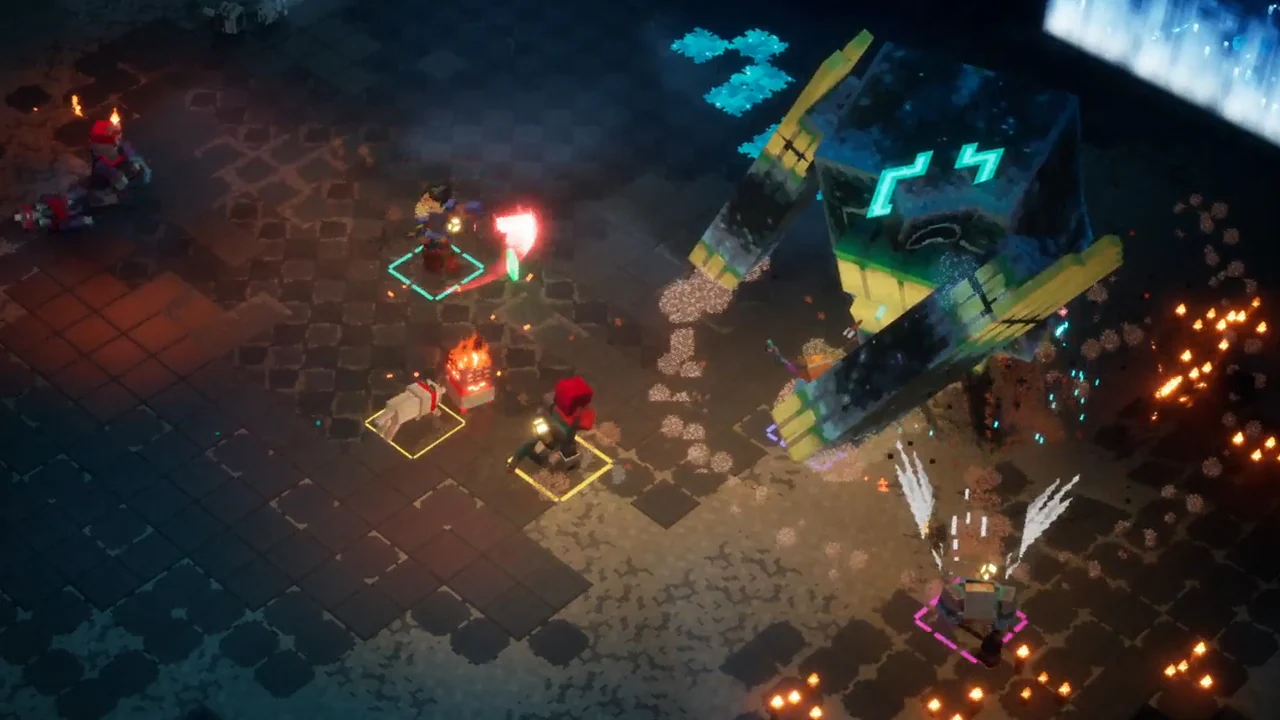
Direct answer
Minecraft Dungeons II supports solo play or up to four players. Couch players can join an online party, friends can enter an eight-character party code, and matchmaking can fill open spots. Mojang says hero progress is stored online and can follow linked platform accounts using the same Microsoft account.
Official co-op details and Hotfix 1.1.3.0 checked November 6, 2026. Party codes, matchmaking and hero continuity follow Mojang's article; platform access rules may differ.
Quick preparation
- 01Choose solo, local couch, online or a mixed local-and-online party.
- 02Share the current eight-character party code with known friends; they can join from the lobby or during a session.
- 03Use matchmaking to find a group or fill free spots; it can place you into a session already in progress.
- 04For hero continuity across platforms, link each platform account to the same Microsoft account and check that platform's online-play rules.
Supported party shapes
The game can be played alone or with up to three other players. Couch co-op works offline and can also join an online session, allowing local and remote players in one four-person party.
Mojang says online sessions use dedicated servers selected in part by party ping. Do not assume the first game's player-hosted network behavior applies here.
Party codes and matchmaking
A party code is eight letters and numbers tied to the current party. Friends can use Join by Party Code from the lobby or an ongoing game, regardless of their platforms.
Matchmaking can find other players or fill unused party slots. It considers quest progress, region and power level, and can join a session already under way. Use a code for a known group and matchmaking when you want new teammates.
Keep your hero progress
Mojang says hero data is stored online. Where supported, signing into your own platform account on a friend's device lets you continue with your own hero and pick up later at home.
To continue on a different platform, link those platform accounts to the same Microsoft account. That is an account-linking path, not a promise that every device or offline mode syncs automatically.
What to verify on your platform
Check that each participant can sign into the game and that the current platform's online-play rules permit the chosen mode. The official co-op article does not list every console subscription, voice-chat or disconnect rule; use the platform and in-game support screen for those cases.
Hotfix 1.1.3.0 co-op recovery
The October 22 all-platform hotfix fixes a couch co-op hard lock and a Chapter 1 login failure. Update every participant to the same current version and restart the session before rebuilding the party.
If a hard lock repeats on 1.1.3.0, record platform, local-player count, online-player count and the exact join or transition step. Do not treat a mismatched version or account sign-in failure as a party-code mystery.
Accessible sources
Official September 29 explanation of party codes, matchmaking, mixed local and online play, dedicated servers and hero continuity.
Mojang Studios · Checked Oct 4, 2026Official overview of four-player co-op and game systems.
Mojang Studios · Checked Oct 4, 2026Official couch co-op hard-lock and Chapter 1 login fixes, plus stability changes.
Mojang Studios · Checked Nov 6, 2026