Direct answer
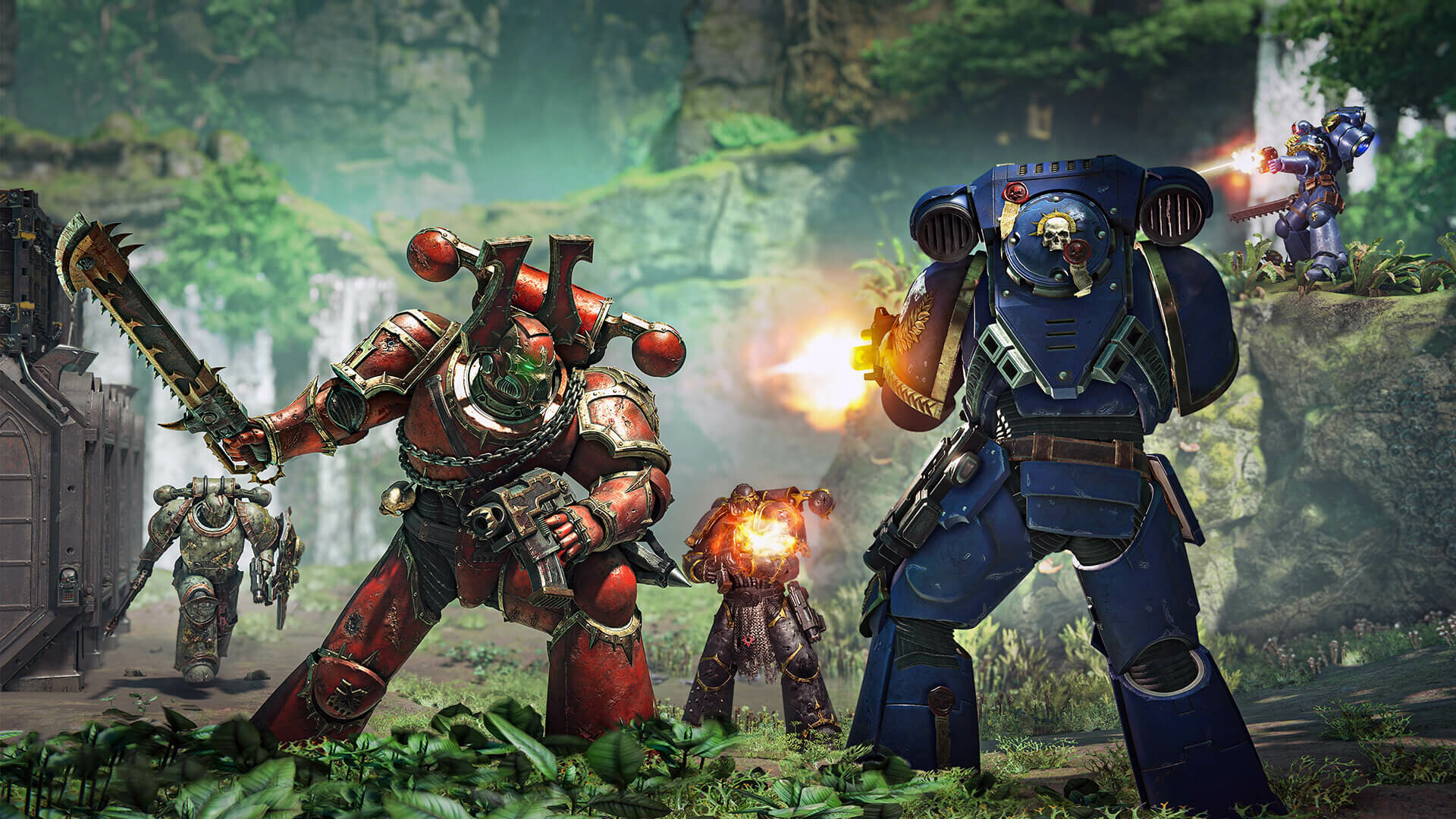
Space Marine 2 is available on Windows PC, PlayStation 5 and Xbox Series X|S. Campaign and PvE support crossplay across PC and consoles; Patch 6 added an opt-in PC-versus-console PvP crossplay setting. Solo play with bots is supported. Cross-platform saves use PROS, but each platform still requires its own game license and paid DLC does not automatically transfer.
Evidence boundary: The launch FAQ and Patch 6 notes establish the platform and crossplay rules. Online services and storefront licenses can change, so purchases should be checked on the account that will play.
Do this first
- 01Buy the game on PC, PlayStation 5 or Xbox Series X|S for the account that will play.
- 02Enable crossplay for Campaign or PvE when the squad spans platforms.
- 03For PvP, opt in to the wider PC-and-console pool from the title-screen settings.
- 04Stay online when you want Operations progression to persist between sessions.
- 05Use PROS for supported cross-save transfer, but verify paid DLC ownership separately on each platform.
Supported platforms and modes
Focus lists Windows PC, PlayStation 5 and Xbox Series X|S. The game supports Campaign, cooperative PvE and Eternal War PvP; a solo player can use bots as partners.
The official FAQ says Campaign progress saves offline. Operations PvE needs an online connection for progress to persist; offline PvE gains do not carry into the next session.
- Windows PC via Steam or Epic Games Store
- PlayStation 5
- Xbox Series X|S
- Solo with bots
- Online progression required for Operations persistence
Campaign and PvE crossplay
The launch FAQ confirms unrestricted crossplay for Campaign and PvE between Steam, Epic Games Store, PlayStation 5 and Xbox Series X|S. Players can disable crossplay when they want a same-platform pool.
Crossplay joins players; it does not provide a second copy of the game. Every participant needs the game and any platform-level online access required by their storefront.
PvP changed after launch
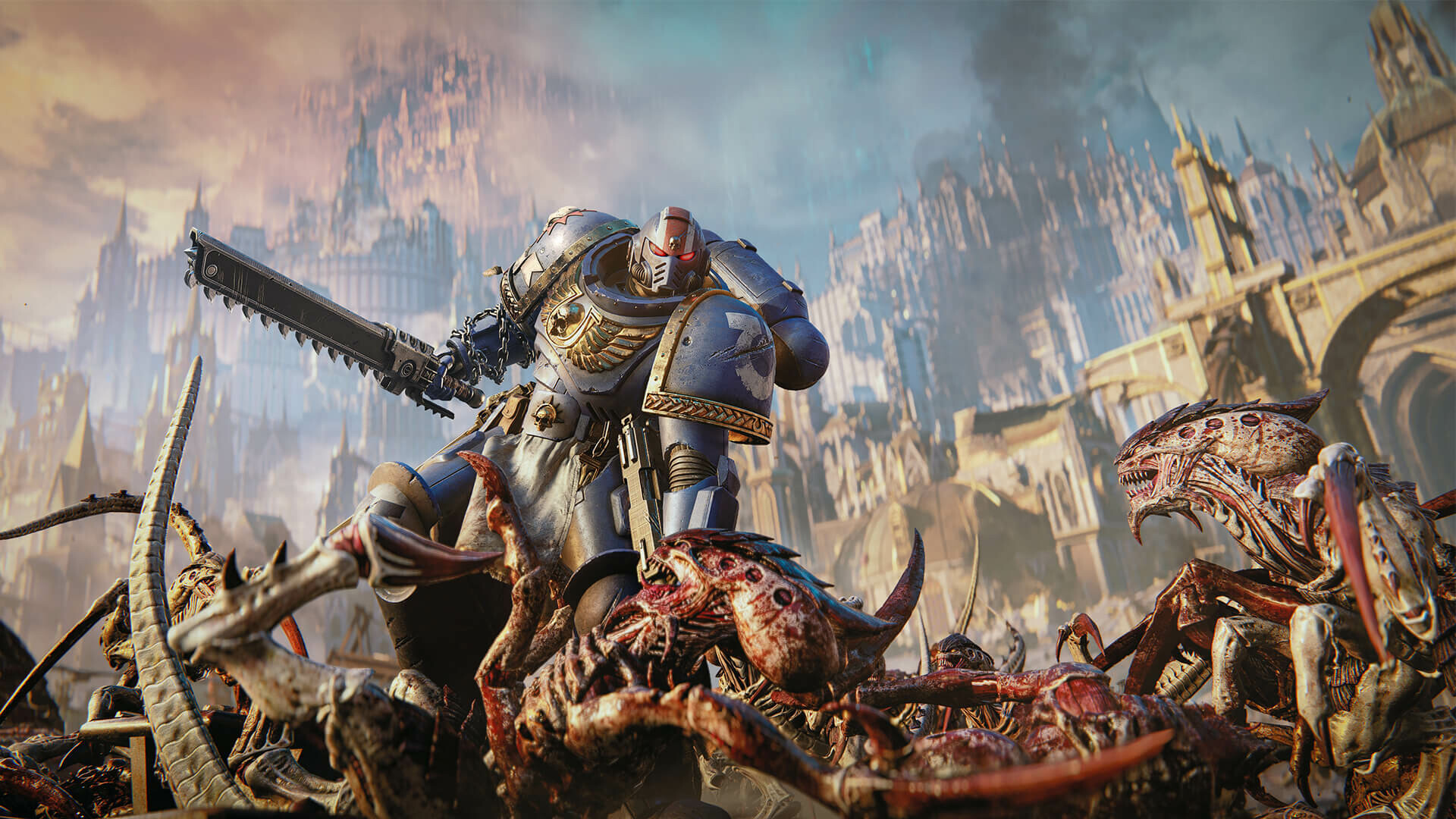
At launch, Eternal War separated PC players from console players. Patch 6 changed that rule by adding an opt-in setting that lets console players join the wider PC-and-console matchmaking pool.
Focus says the toggle must be changed from the title-screen settings. That patch note is newer than the launch FAQ, so the current PvP answer must include the opt-in update rather than repeat the original split as permanent.
Cross-save and ownership are separate
Focus says cross-platform save transfer works through Prism Ray Online Services, or PROS. That service moves supported progression; it does not replace the need to own the game on the destination platform.
A moderator-linked PROS support answer states that paid DLC does not transfer between linked platforms. Recheck the current PROS documentation before a second purchase, especially when cosmetics or a Season Pass are the reason for moving.
Official sources
Official platforms, modes, bots, crossplay, offline save and PROS cross-save baseline.
Focus Entertainment · Saber · Checked Sep 29, 2026Official newer opt-in PC and console PvP crossplay rule.
Focus Entertainment · Saber · Checked Sep 29, 2026Official PC storefront and current product availability.
Focus Entertainment · Checked Sep 29, 2026