Layered armor answer: use the tent Appearance Menu
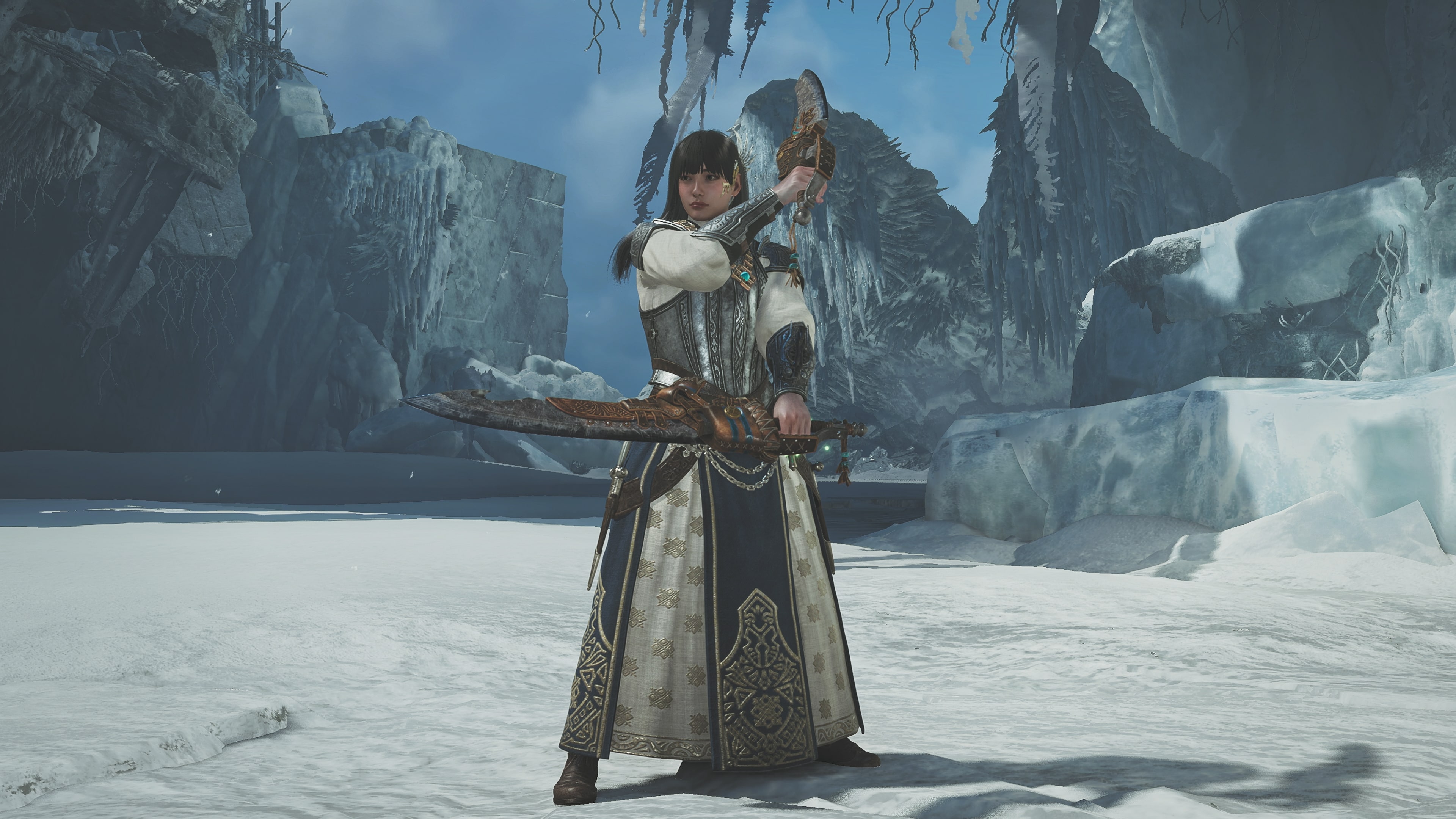
Enter a tent, open the Appearance Menu, choose the Hunter appearance option and select the layered armor you own. For a Palico cosmetic, use Palico Equipment Appearance instead. Layered armor is visual only: official item descriptions say it does not affect stats or abilities.
How to equip layered armor
- 01Enter a tent.
Use a Base Camp or an available Pop-up Camp with tent access.
- 02Open the Appearance Menu.
Do not look for cosmetics in the smithy defense comparison or ordinary equipment-stat screen.
- 03Select Hunter Appearance.
Open the current Hunter equipment appearance option and choose the layered armor parts available to your account.
- 04Confirm the look in the field.
Verify that the visual change is active while the functional armor and skills remain intact.
Layered armor does not change stats or abilities
Official PlayStation Store descriptions explicitly separate appearance from performance. Your defense, resistances, skills and slots come from the functional equipment underneath, not the layered look.
| Choice | Changes | Does not change |
|---|---|---|
| Layered armor | Visible Hunter appearance | Defense, resistances, skills and abilities |
| Functional armor | Combat values, skills and equipped pieces | Your layered look unless you change or remove it |
| Palico layered armor | Palico equipment appearance | Hunter armor or Hunter stats |
Hunter and Palico layered armor use different menus
Hunter cosmetics are equipped through the Hunter appearance path. Official Palico item pages direct players to the tent's Appearance Menu and then Palico Equipment Appearance. If a purchase appears missing, checking the wrong owner is the first thing to rule out.
- Hunter layered armor belongs in the Hunter appearance submenu.
- Palico layered armor belongs in Palico Equipment Appearance.
- Seikret decorations are a separate cosmetic category and should not be expected in either armor list.
- Layered weapons are a separate appearance system, not an armor slot.
Layered armor not showing up
| Check | What to do |
|---|---|
| Content ownership | Confirm the item or pack is owned by the account currently running the game. |
| Download state | Install or activate the add-on when the platform requires a separate content download. |
| Game version | Update the game; official item pages state that the latest version may be required. |
| Appearance owner | Check Hunter Appearance for Hunter items and Palico Equipment Appearance for Palico items. |
| Item type | Do not search the armor list for a Seikret decoration or layered weapon. |
Layered armor FAQ
Can I use layered armor without changing my build?
Yes. The appearance override does not change the stats or abilities supplied by functional armor.
How do I turn layered armor off?
Return to the same Hunter or Palico appearance submenu and remove or replace the active appearance choice. Read the labels shown by the current client rather than deleting functional equipment.
Can I mix layered armor pieces?
Use the part choices shown in the current appearance menu. Official packs can list individual pieces, but availability and compatible slots depend on the specific content you own.
Official sources behind this guide
Official Hunter menu path, cosmetic-only behavior, individual pieces, current-version note and in-game imagery.
PlayStation Store · Capcom · Checked Aug 27, 2026Official Palico Equipment Appearance path, cosmetic-only behavior and current-version note.
PlayStation Store · Capcom · Checked Aug 27, 2026Official tent and Pop-up Camp functions used to explain field access to the appearance menu.
PlayStation · Capcom · Checked Aug 27, 2026