Do this first
- 01Check the current power level of the weapon or armor piece whose look you want to change.
- 02Upgrade it to level 9, using the shop's current material requirements.
- 03Open the item appearance controls and choose an appearance already held in the inventory.
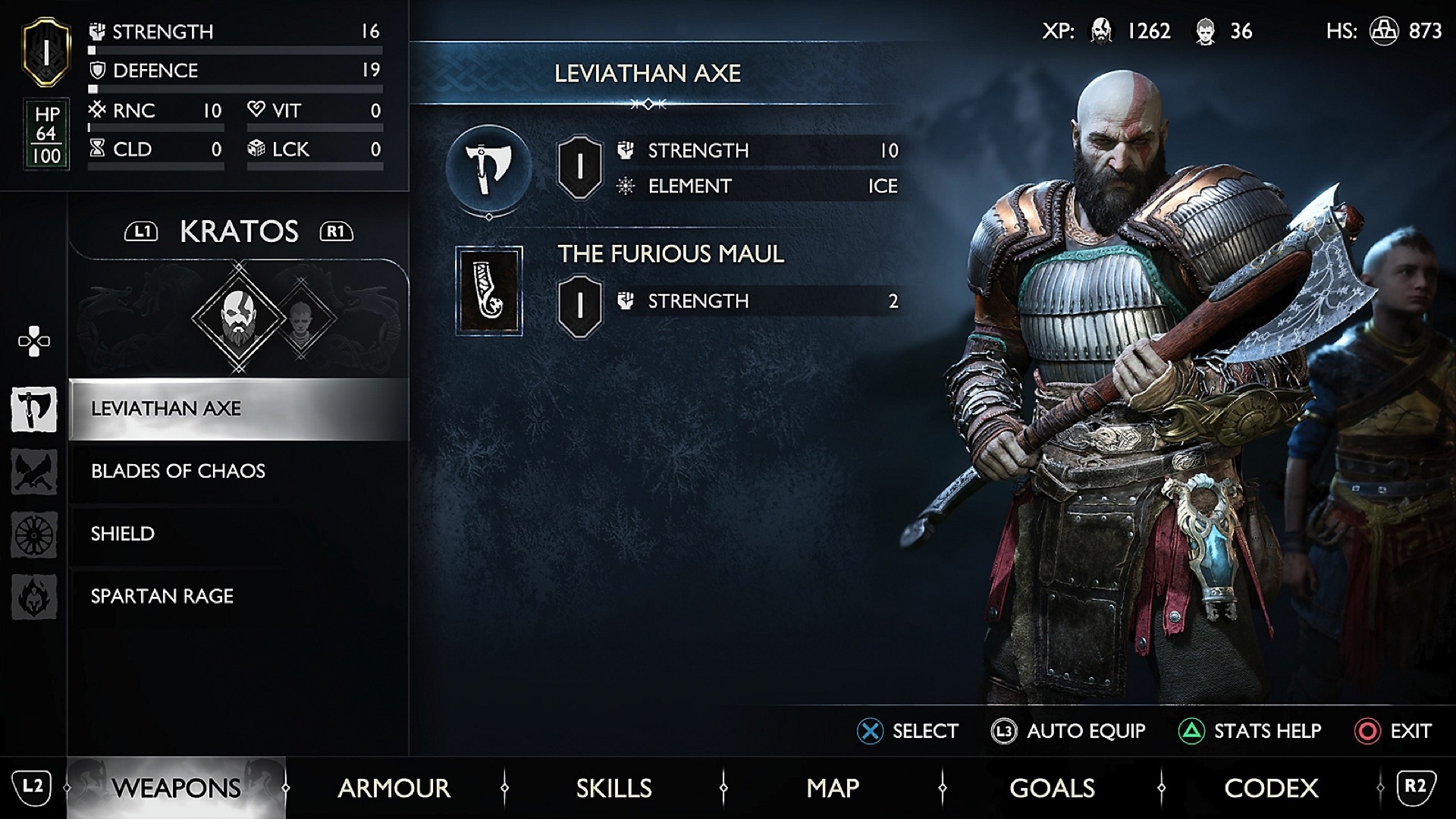
- 04For a fast functional loadout, press L3 in Weapons or Armor and select the stat to prioritize.
- 05Return to the perk descriptions and test the equipped set in combat before keeping the cosmetic layout.
Unlock transmog at level 9
Santa Monica Studio's official progression guide states that transmog becomes available when the relevant core weapon or armor reaches level 9. It can apply appearances already present in the inventory.
If the appearance control is missing, confirm the item's actual level and whether the desired look has been acquired. A screenshot of another player's inventory does not unlock that appearance in the current save.
Keep appearance and perks separate
Transmog changes the look; it does not copy the perk, stat line or level from the visual source. Choose armor pieces for the trigger and effect you can use, then apply the preferred appearance after the functional set is stable.
The official guide says every power-level item can be upgraded to level 9, so a useful perk does not have to be discarded merely because its starting level or appearance is lower.
- Function: power level, stats and perk triggers
- Appearance: an owned visual applied through transmog
- Requirement: level 9 on the item being customized
- Boundary: appearance does not transfer another item's effects

Use Auto-Equip as a controlled shortcut
From the Weapons or Armor tabs, the official instructions say to press L3 and select the stat to prioritize. Auto-Equip chooses the highest-power items and favors the selected stat when pieces are at equal level.
Use it to recover from a scattered inventory or build a quick baseline. It cannot know whether a perk trigger matches your parries, Runic attacks or status loop, so read the resulting set before accepting it as the final build.
Diagnose missing materials or a weak result
If an upgrade stalls, check the exact material named by the shop. The official tips note that older crafting resources eventually appear under Special Items as the equipment begins requiring later materials, reducing the need to hoard every early resource.
If Auto-Equip raises power but the combat loop feels worse, restore the coherent perk set and upgrade it. Test one ordinary encounter, confirm the perk actually triggers, and only then settle on the appearance.
Official sources
Official level-9 transmog, Auto-Equip input, stat priority, equipment upgrade and old-resource shop rules.
Santa Monica Studio / PlayStation Blog · Checked Sep 28, 2026Official equipment, perk and playstyle context used to keep appearance separate from function.
PlayStation · Checked Sep 28, 2026