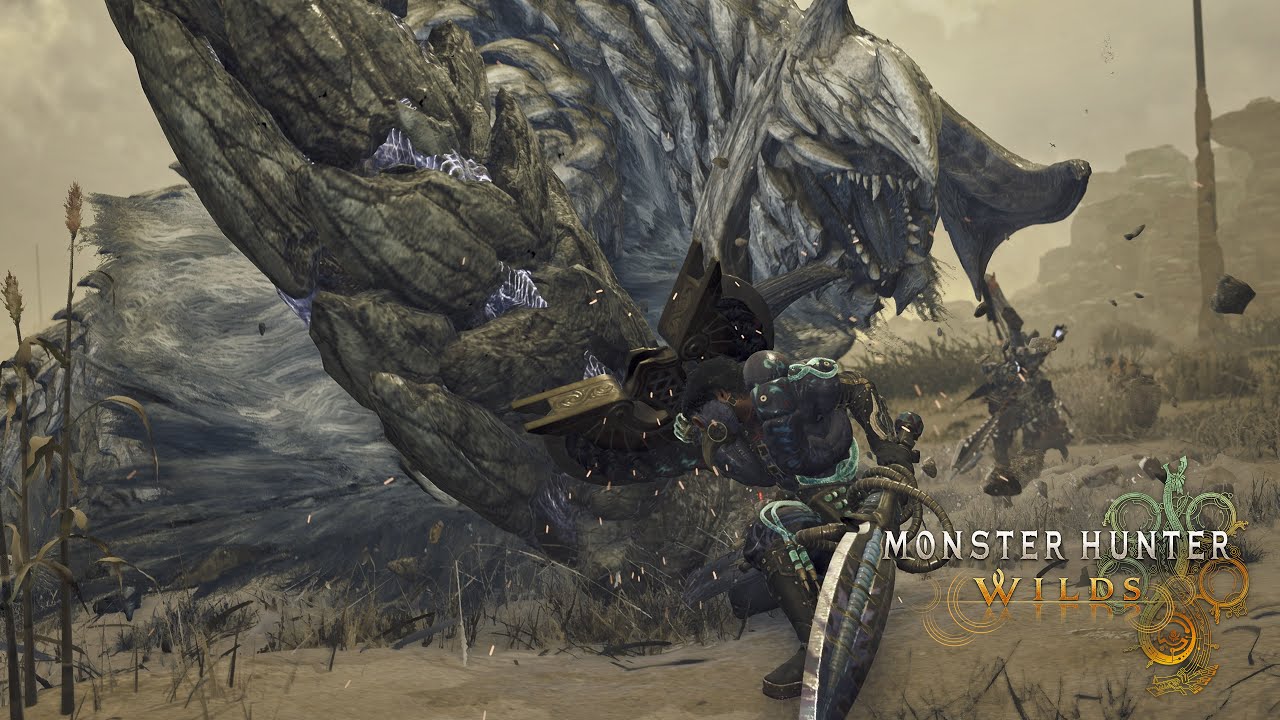
Yes—Monster Hunter Wilds has crossplay
Monster Hunter Wilds crossplay is live across PlayStation 5, Xbox Series X|S and PC through Steam. Nintendo Switch 2 is a confirmed fourth platform family, but its version does not launch until December 4, 2026. Nintendo says cross-platform internet play begins with that release.
Which platform combinations work?
| Players | Can hunt together? | Requirement |
|---|---|---|
| PS5 + Xbox Series X|S | Yes | Crossplay enabled and each console ready for online play. |
| PS5 + Steam | Yes | Use the in-game Hunter ID rather than a platform-only friends list. |
| Xbox Series X|S + Steam | Yes | Use the in-game Hunter ID and Link Party flow. |
| PS5 + Xbox Series X|S + Steam | Yes | The mixed hunting party still has a four-player maximum. |
| Nintendo Switch 2 + existing versions | From Dec 4 | Nintendo confirms multi-platform internet play for the Switch 2 version at launch; it is not a live pairing before release. |
On PS5, PlayStation says online multiplayer requires PlayStation Plus. The Xbox store says console online multiplayer requires Game Pass Core or Ultimate. Steam players do not need either console subscription.
What the September 10 Switch 2 guide actually confirms
The status changed from development-only to a dated, crossplay-confirmed release. Nintendo's September 10 guide says the Switch 2 version launches December 4, 2026 and supports crossplay between multiple platforms from that release. It also separates internet multiplayer from local wireless play.
| Question | Current answer | Evidence boundary |
|---|---|---|
| Is Wilds coming to Switch 2? | Yes | Nintendo's Direct page confirms the platform. |
| What is the release date? | December 4, 2026 | Nintendo's Japan guide gives the date and says reservations are open there. |
| Will Switch 2 crossplay with other platforms? | Yes, from launch | Nintendo explicitly confirms multi-platform crossplay for the December 4 version, without publishing a separate pair-by-pair account-flow table. |
| Does it support local wireless play? | Yes, up to four | Nearby Switch 2 systems can form a local wireless group. |
| Are earlier updates included? | Yes | Nintendo says content released on other platforms by December 4 is included. |
| Is Ascendance included? | No such claim | The 2027 expansion is announced separately and requires the base game plus the Chapter 6-1 quest. |
| Will saves, purchases or DLC transfer? | Unconfirmed | No cross-save, cross-buy or upgrade-path promise is published. |
How to play with a friend on another platform
- 01Find the host's Hunter ID
Capcom shows it on the login screen and inside the in-game Hunter Profile. This code works across all supported platforms.
- 02Search the Hunter ID
The other player searches that code in the game and sends a friend request. Do not rely only on a PlayStation, Xbox or Steam friends list for a mixed-platform group.
- 03Accept the request
Once both hunters are connected as in-game friends, they are easier to find again for future sessions.
- 04Invite everyone to a Link Party
A Link Party is the main repeated-hunt group. When one member posts a quest, the game automatically invites the rest of the party.
- 05Join the quest invitation
Confirm the invitation and keep the total party at four hunters or fewer.
Link Party, lobby and Environment Link are not the same
| System | Best use | What it does |
|---|---|---|
| Link Party | Regular group of up to four | Keeps the hunting group together and automatically sends quest invitations when a member posts. |
| Lobby | Meeting a larger community | Public or private spaces can hold up to 100 people, who can then split into Link Parties. |
| Environment Link | Free roaming on one map | Lets linked friends share the same field and continue hunting its monsters together. |
| Squad | Persistent wider community | Helps a larger group of like-minded hunters find one another. |
What crossplay does not guarantee
The official sources reviewed for this page confirm cross-platform multiplayer across the four platform families. They do not promise that one save file, game purchase or platform entitlement can move between PS5, Xbox Series X|S, Steam and Switch 2.
- Do not assume cross-save: plan to keep character progress on the platform where it was created unless Capcom publishes a supported transfer method.
- Do not assume cross-buy: owning the game or DLC on one storefront does not prove ownership on another.
- Cloud save is not cross-save: Xbox Cloud Saves and Steam Cloud protect progress inside their own ecosystems; those labels do not establish a transfer between platforms.
- Switch 2 crossplay is confirmed: Nintendo explicitly confirms multi-platform crossplay, but not save transfer or purchase transfer.
If a cross-platform friend cannot join
- 01Check the platform and release boundary
PS5, Xbox Series X|S and Steam are live now. Switch 2 joins from December 4; a Switch 2 player cannot complete this flow before that version launches.
- 02Use the Hunter ID again
Search the exact in-game code, accept the friend request, then send a new Link Party invitation.
- 03Confirm online access
PS5 needs PlayStation Plus; Xbox console multiplayer needs an eligible Game Pass plan. Check each platform's service status if invitations stop arriving.
- 04Match the current game version
Install the latest update on every platform. See the current update guide for the active version line.
- 05Rebuild the small group first
Test one host and one guest in a Link Party before adding the remaining hunters or moving into an Environment Link.
| What you see | Most useful check | Next action |
|---|---|---|
| The Hunter ID returns no player | Exact ID, current version and whether the target platform is live | Recopy the in-game Hunter ID; do not substitute a platform username. |
| The friend appears but no quest invite arrives | Whether both hunters joined the same Link Party | Accept the Link Party invite first, then have the host repost the quest. |
| The party works but one console cannot enter online play | Platform subscription and service status | Restore online entitlement before changing in-game party settings. |
| Two hunters connect but a larger group fails | Four-player limit and duplicate invitations | Keep one host, remove stale party entries and add one hunter at a time. |
| A save or owned DLC is missing on another platform | Cross-save or cross-buy expectation | Return to the original platform; crossplay does not prove entitlement transfer. |
Monster Hunter Wilds crossplay FAQ
Can PS5 and Xbox players play Monster Hunter Wilds together?
Yes. PS5 and Xbox Series X|S are both inside the confirmed crossplay group.
Can console players play with Steam players?
Yes. Use the game's Hunter ID and Link Party features to connect across platform account systems.
How many people can play together?
A hunt supports up to four players. Capcom describes the group as the player joining up to three other hunters.
Does crossplay include cross-save or cross-progression?
Do not treat it that way. The official materials reviewed here confirm playing together, but they do not promise save or purchase transfers between the four platform families.
Will Nintendo Switch 2 join crossplay?
Yes, from launch. Nintendo's September 10 guide explicitly says the December 4 Switch 2 version supports internet crossplay between multiple platforms. Before December 4, there is no released Switch 2 version to join; online play will require Nintendo Switch Online.
Official crossplay sources
This guide uses Capcom and platform-holder materials. It excludes competitor guides and keeps confirmed Switch 2 crossplay separate from unconfirmed cross-save, cross-buy and upgrade-path claims.
Official date, multi-platform crossplay, local wireless, Nintendo Switch Online requirement, included update content and Ascendance boundary.
Nintendo Japan · Checked Sep 14, 2026Official platform and Massive Expansion spotlight.
Nintendo · Checked Sep 14, 2026Official Hunter ID, Link Party, lobby, Environment Link and squad explanation.
Monster Hunter official YouTube · Capcom · Checked Sep 14, 2026Official PS5, Xbox Series X|S and Steam platform list, cross-platform multiplayer and four-player party limit.
Capcom France · Checked Aug 23, 2026Capcom confirmation that crossplay lets players enjoy the game together regardless of platform.
Capcom Co., Ltd. · Checked Aug 23, 2026PS5 online multiplayer requirement for PlayStation Plus.
PlayStation Support · Checked Aug 23, 2026Xbox Series X|S, 2–4 player online multiplayer, cross-platform co-op and console subscription details.
Xbox Store · Checked Aug 23, 2026Official store metadata for online co-op, cross-platform multiplayer and Steam Cloud.
Steam · Checked Aug 23, 2026Capcom's earlier development announcement; it does not establish Switch 2 crossplay or save transfer.
Capcom Co., Ltd. · Checked Sep 14, 2026